
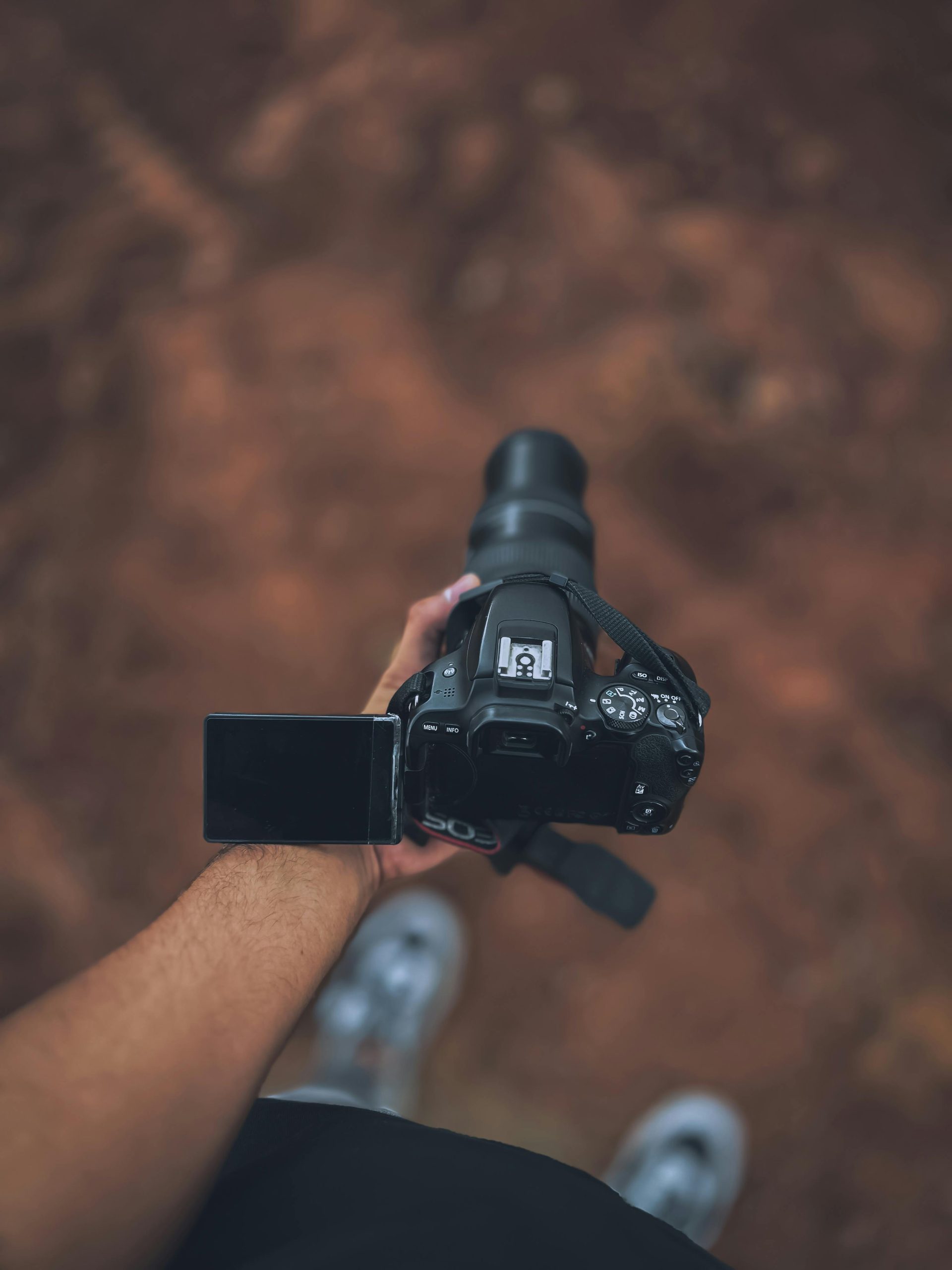
YouTube streaming has become one of the most effective ways for creators, brands, gamers, educators, and entertainers to connect with audiences in real time. While strong content and personality are still the foundation of a successful stream, camera quality plays a major role in how professional and trustworthy a channel appears. A clear, sharp, and stable video image can make a stream feel more polished, while poor image quality can make even valuable content look less engaging.
Choosing the best camera for YouTube streaming does not always mean buying the most expensive model. The right choice depends on the type of content being streamed, the creator’s budget, the lighting setup, and the level of production quality required. A beginner may only need a reliable webcam, while a full-time streamer may benefit from a mirrorless camera with better autofocus, stronger low-light performance, and a more cinematic look.
Choose a Camera Based on the Type of Stream
The best camera for YouTube streaming depends heavily on the type of content being produced. Gaming streamers often need a camera that stays fixed in one place, performs well in indoor lighting, and works smoothly with streaming software. In this case, a high-quality webcam can be enough, especially when paired with good lighting. Podcast creators, interview hosts, and educational streamers may need a sharper and more professional image. A mirrorless camera can create better depth, clearer detail, and more natural colors. This is useful for streams where the host’s face, expressions, and overall presentation are central to the viewer experience.
Beauty, fashion, product review, and fitness streamers may also need stronger image quality. These content types rely on color accuracy, detail, and movement clarity. A camera that handles skin tones, product textures, and motion well can make the stream look more polished. For outdoor or travel-based streaming, portability and stabilization become more important than studio-style image quality.
Focus on Important Features, Not Just Resolution
Many buyers focus only on resolution, but 4K is not the only feature that matters. A camera with 1080p resolution, strong autofocus, and good lighting performance can look better than a 4K camera used in poor conditions. For YouTube streaming, consistency is often more valuable than maximum resolution.
Autofocus is one of the most important features. A camera should keep the subject sharp even when there is movement. This matters for streamers who use hand gestures, show products, or move around during broadcasts. Poor autofocus can create a distracting viewing experience.
Low-light performance is another major factor. Many streams happen indoors, where lighting is not always perfect. Cameras with larger sensors usually perform better in low light, producing cleaner images with less grain. However, even a good camera needs proper lighting to look its best.
Clean HDMI output is important for creators using mirrorless or DSLR cameras with a capture card. This feature allows the camera to send a clean video signal without icons, menus, or settings appearing on the stream. USB streaming support is also helpful because it can make setup easier without extra equipment.
In the middle of the decision-making process, creators should also think beyond hardware. A strong camera helps improve visual quality, but consistent branding, better thumbnails, engaging live topics, and audience interaction also help strengthen your YouTube online presence over time.
Match the Camera With the Full Streaming Setup
A camera should not be chosen separately from the rest of the streaming setup. A professional camera may not deliver great results without lighting, stable mounting, and clear audio. In many cases, a cheaper camera with excellent lighting can look better than an expensive camera in a dark room. Budget planning should include more than the camera itself. Streamers may also need a tripod, desk mount, ring light, softbox, capture card, HDMI cable, microphone, and adapters. These accessories can affect the final quality of the stream just as much as the camera.
For beginners, a strong webcam is usually the most practical choice. It is simple to install, affordable, and compatible with most streaming software. Premium webcams can provide sharp video, automatic exposure, and decent autofocus without a complicated setup. For mid-range creators, an entry-level mirrorless camera can be a smart upgrade. It offers better image quality, stronger lens options, and a more professional appearance. For advanced creators, a mirrorless camera with clean HDMI, reliable autofocus, and long recording stability is often the best option.
Best Camera Types for YouTube Streaming
Webcams are the easiest option for new streamers. They are affordable, compact, and designed to work directly with computers. They are best for gaming, commentary, basic tutorials, and casual live broadcasts. Mirrorless cameras offer higher image quality and more creative control. They are ideal for creators who want a polished studio look. They usually perform better than webcams, especially when paired with a good lens and lighting setup.
DSLR cameras can also produce excellent image quality, but they are sometimes less convenient for streaming. Some models have overheating issues, limited recording times, or weaker autofocus compared to modern mirrorless cameras. Smartphones can also work well for YouTube streaming, especially newer models with strong cameras. They are practical for mobile streams, casual broadcasts, and creators who are not ready to invest in separate camera equipment.

